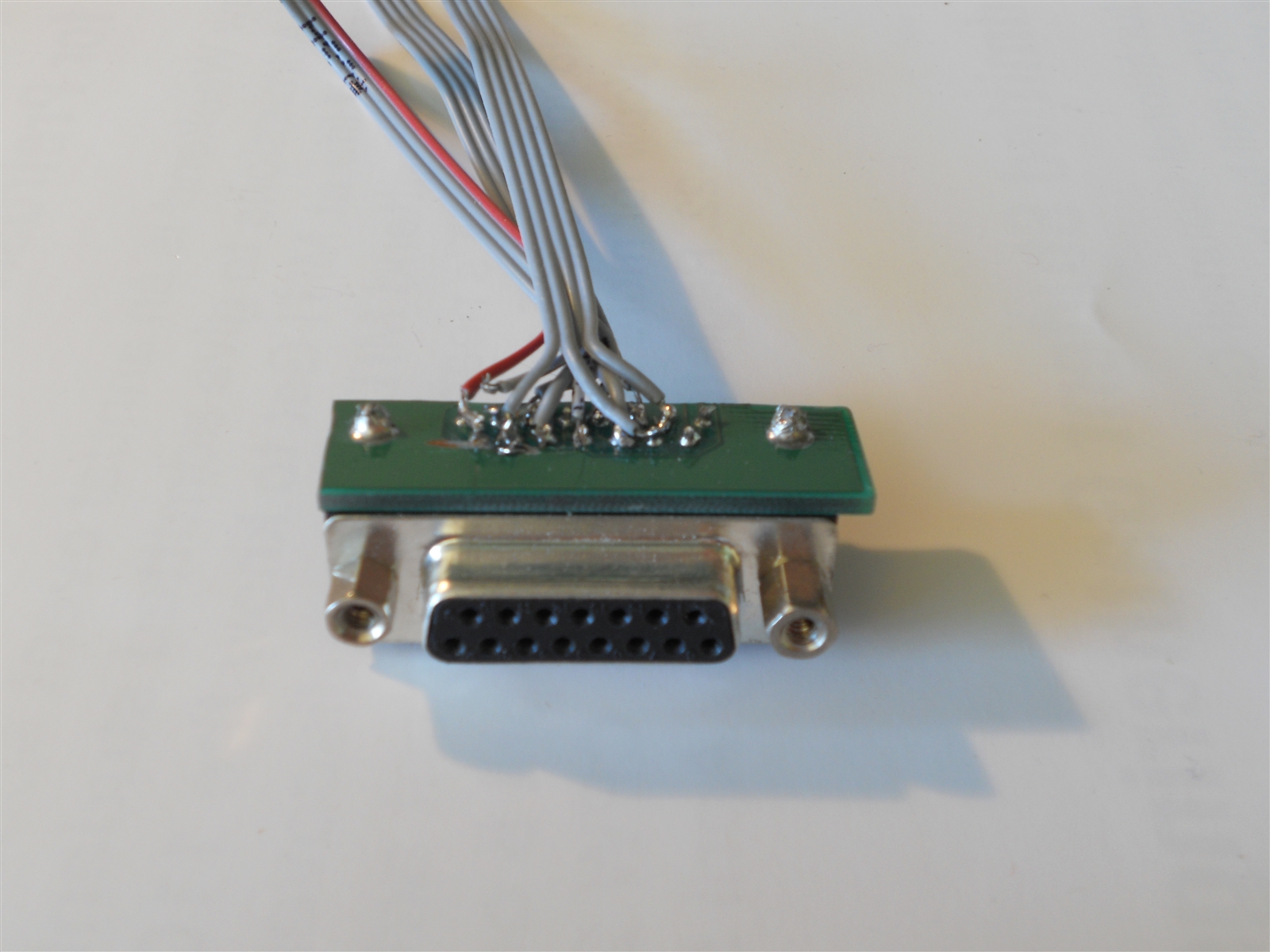
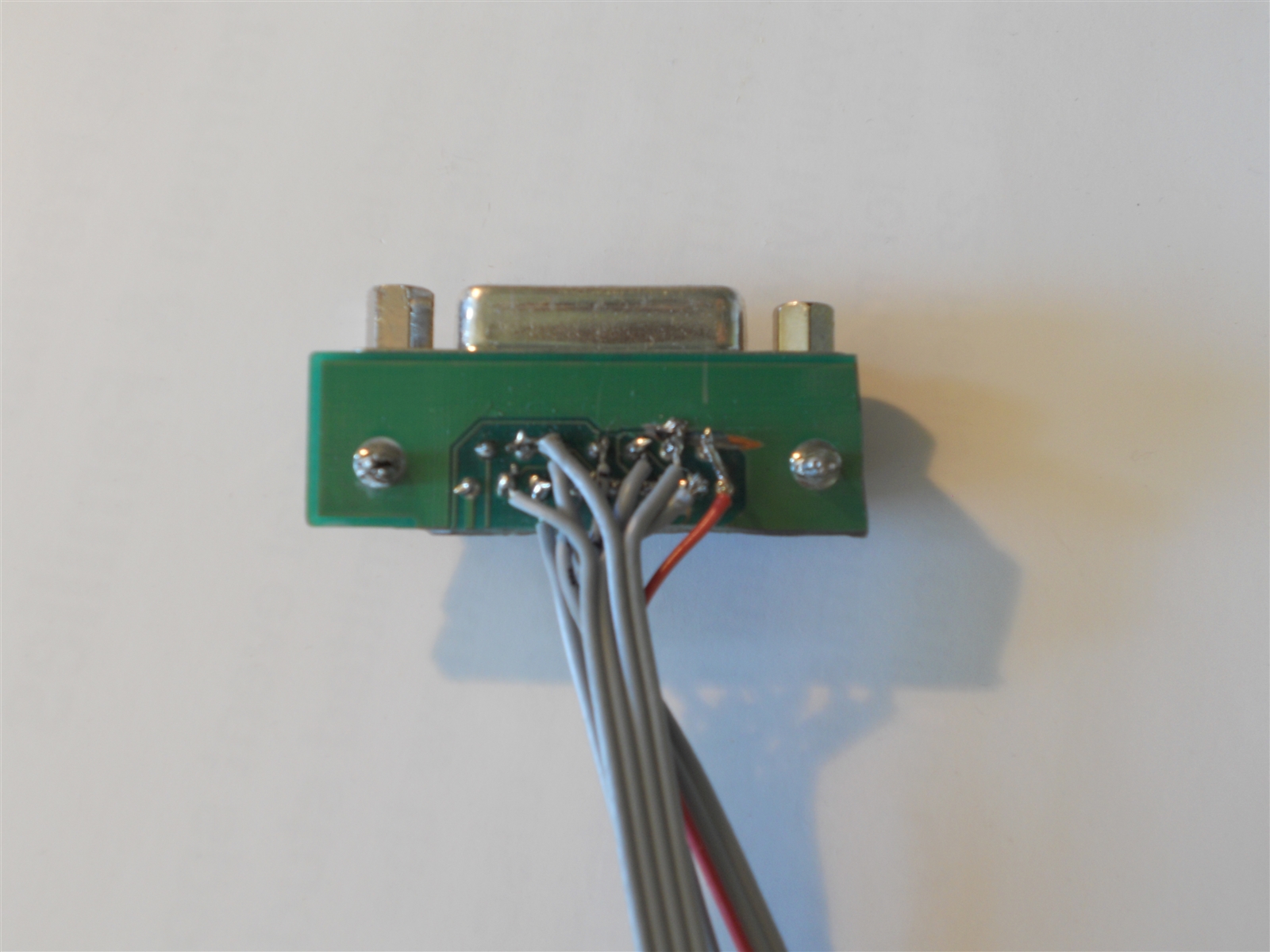
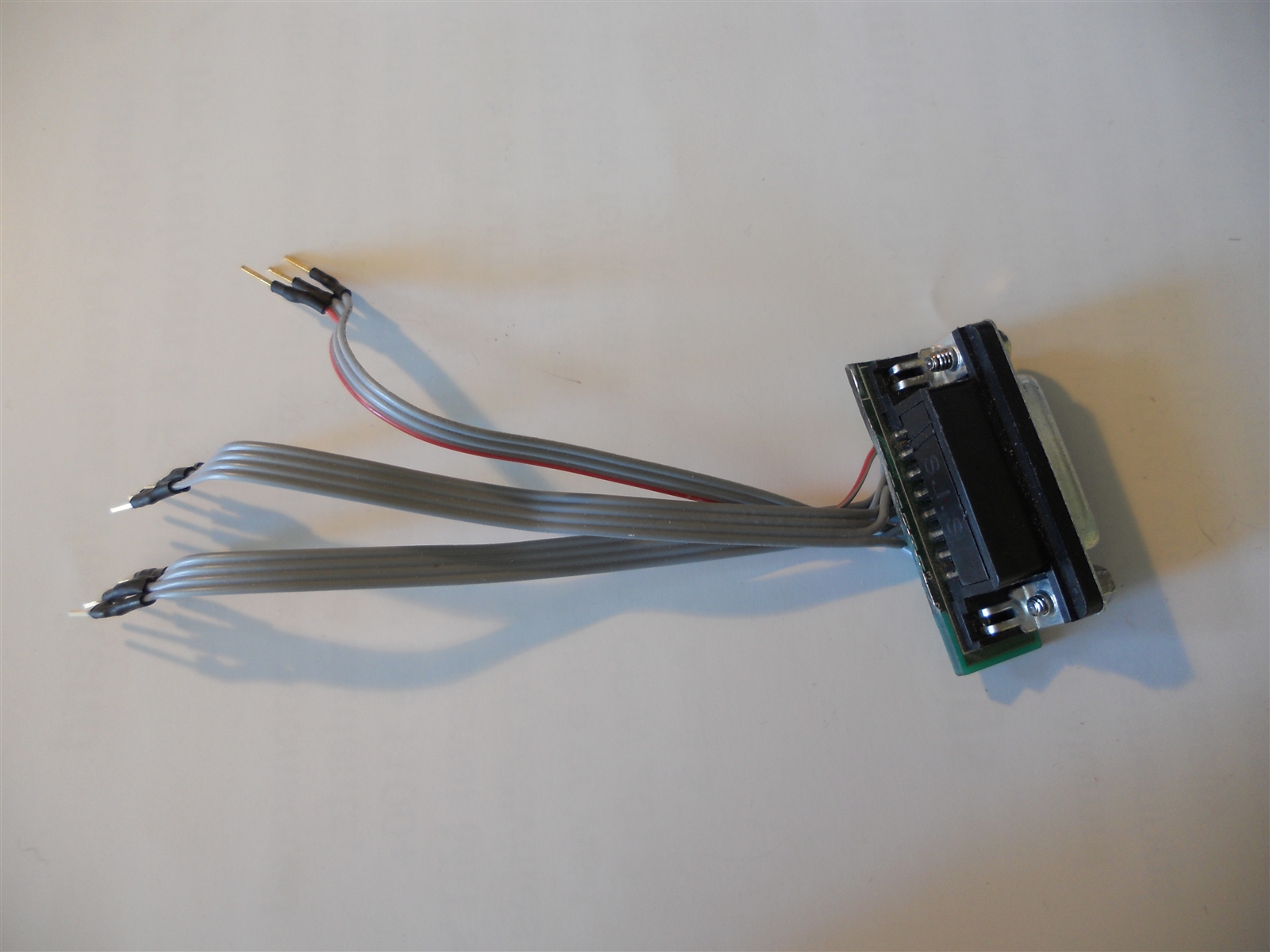
In the picture below, the top three header pins are the 5V and ground connections (red is 5V). The middle four are the analog connections, and the bottom four are digital, for the buttons.
Unfortunately you cannot just plug these pins directly into a microcontroller and get it go read useful information from the joystick. Pull down resistors must be added for each of the button connections. Also, the potentiometers in the joystick do not have their third pins connected to ground, so I had to add a 100k resistor after each of the analog pins, so that the potentiometers act as a voltage divider and the Arduino can read them properly.
In the picture below, orange jumpers are analog, green digital, and the two at the bottom are for 5V and ground:
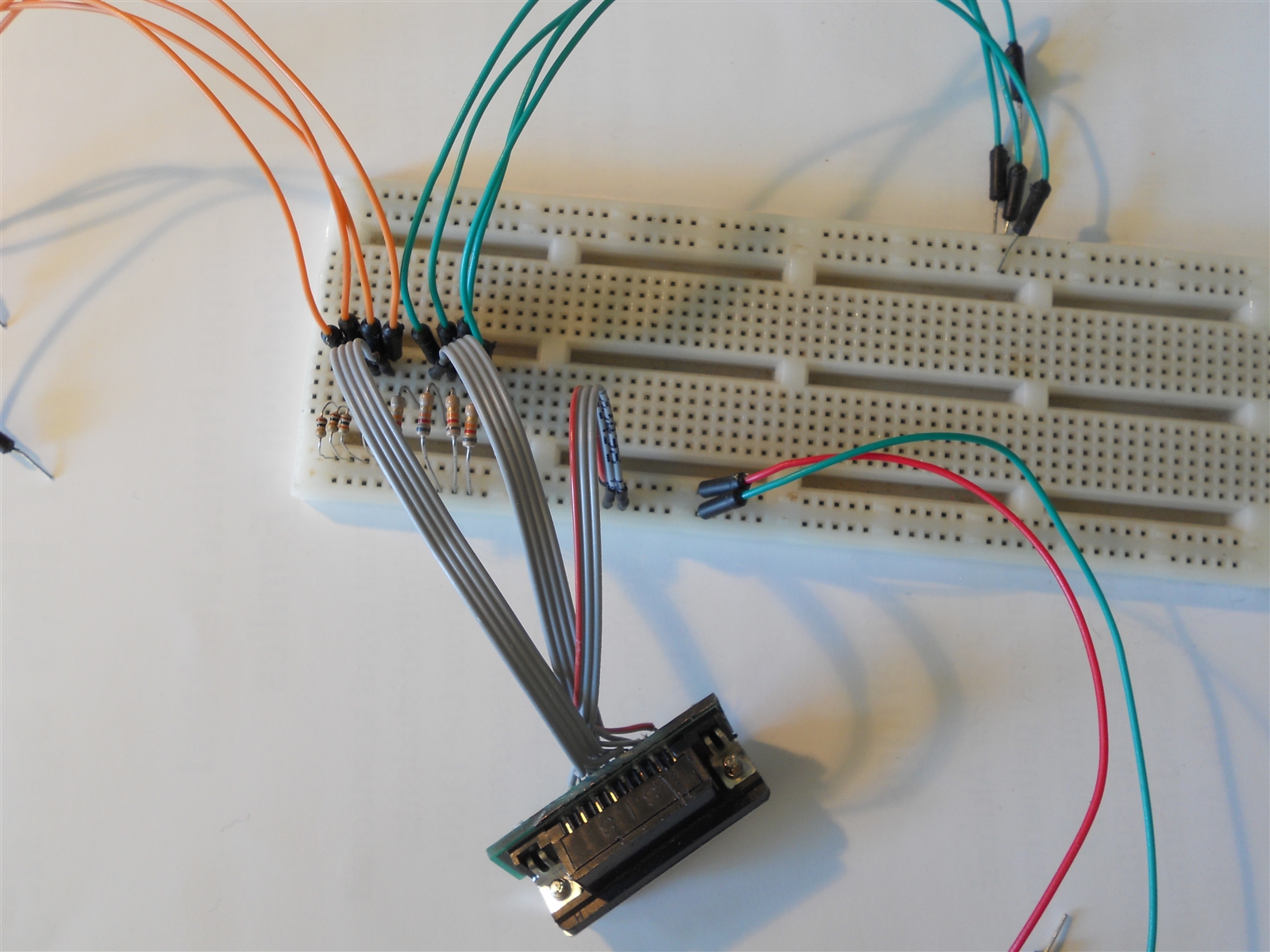
Pull down resistors:
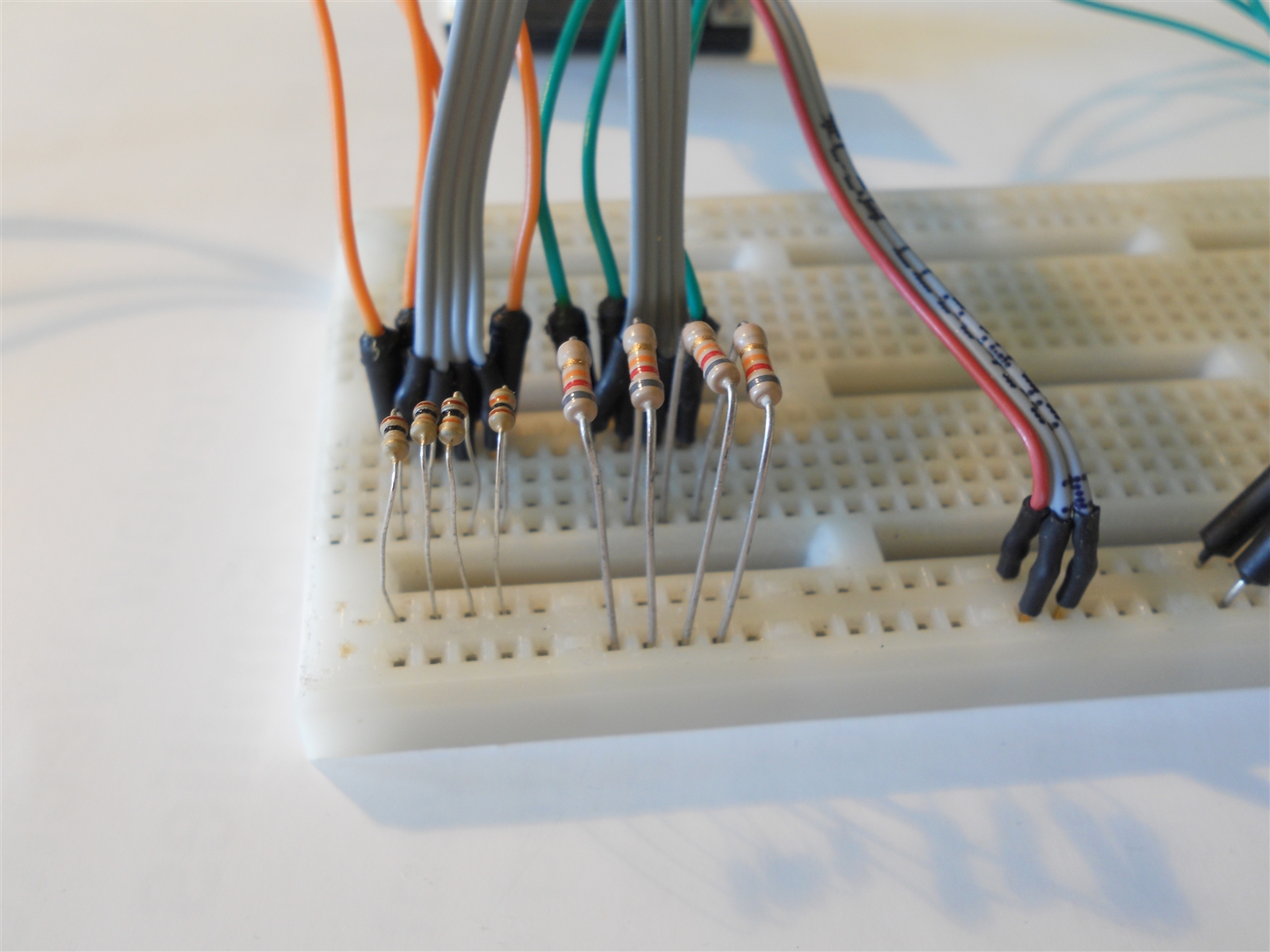
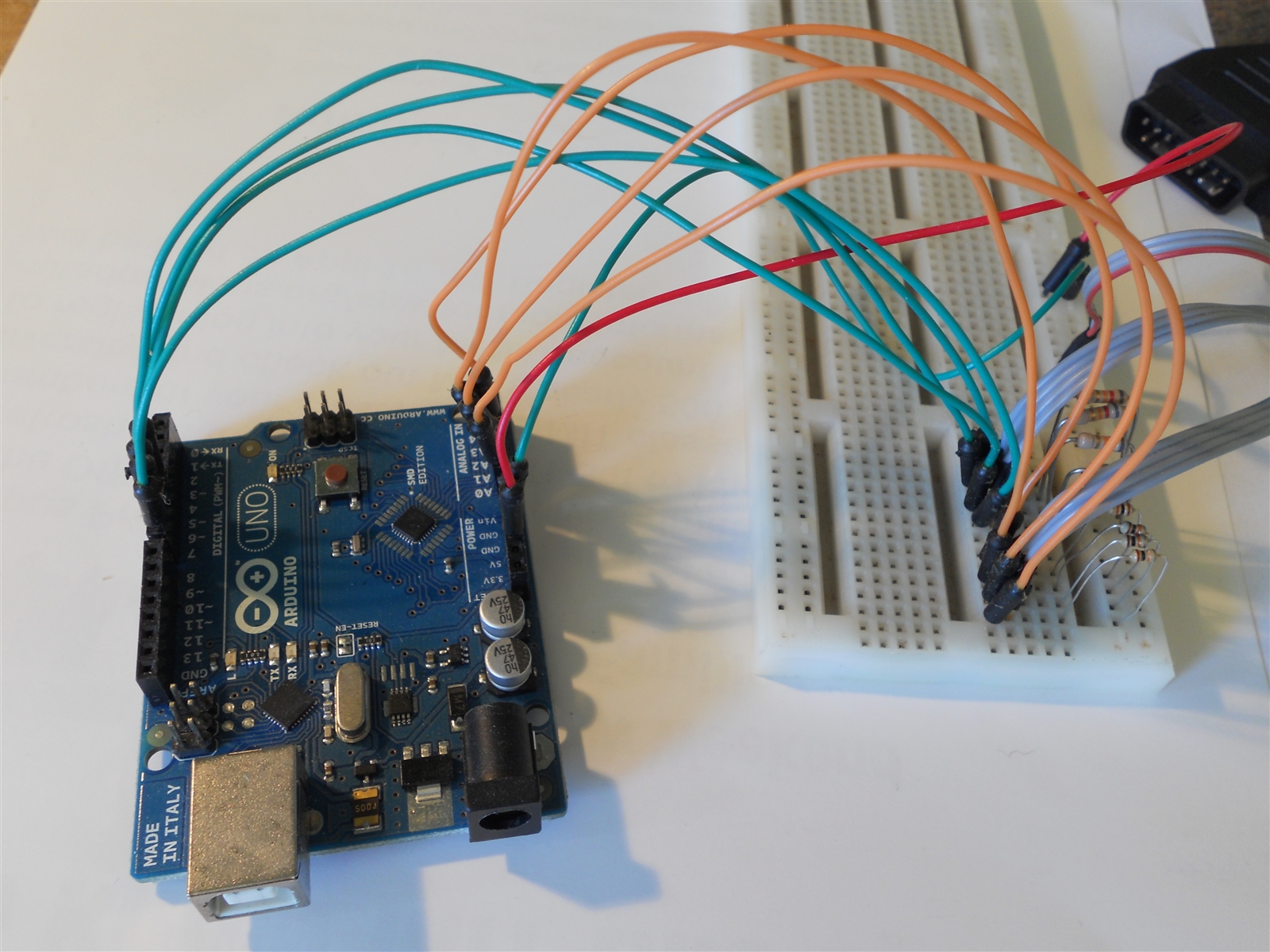
Everything connected (minus the USB connection to the computer):
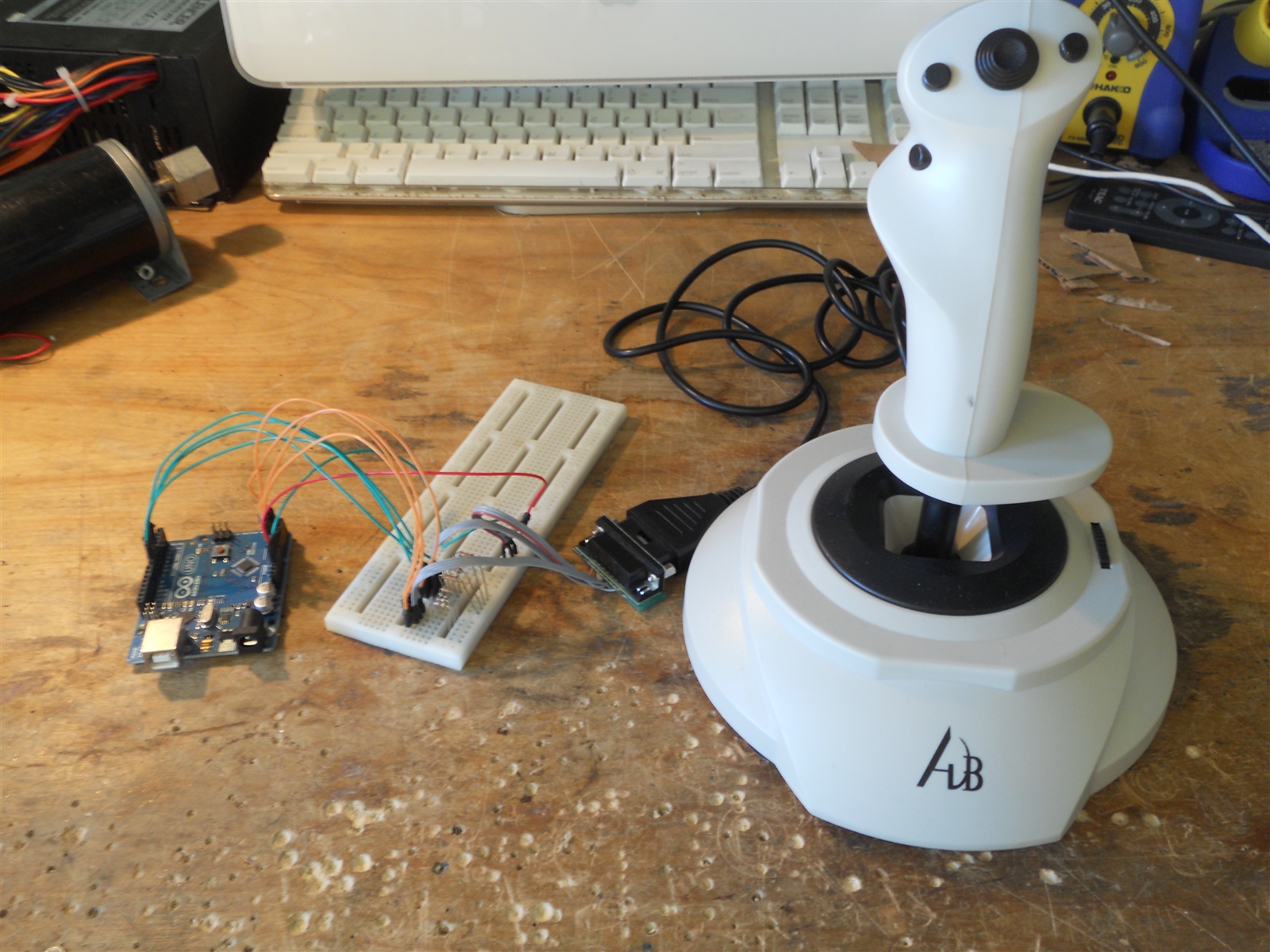
The way the code works is fairly simple. The Arduino reads the values of the potentiometers and buttons, scales the values to under 255 (1 byte) so that they can be sent over serial, and then sends the values to the computer over the serial connection.
The processing script running on the computer reads the sequence of numbers being received. It compares the values form the potentiometer to the values when the joystick is centered, and then moves the mouse using the Robot.mouseMove() command based on the difference between the values. Moving the joystick farther one direction means that the mouse will move faster. The trigger button corresponds to left click, and the thumb button is right click. The secondary joystick (top center) is used for scrolling, and the remaining two buttons currently adjust the sensitivity of the joystick.
Due to the speed at which the processing script runs, I had to limit the rate at which the Arduino sent data over serial, because if data was sent too quickly, it backlogged and created a huge lag when moving the joystick. Therefore, the joystick is not quite as responsive as I hoped it would be, and you must hold down the button longer than you would a mouse for your clicks to register. A workaround for this would be to use something like a Teensy, which can be recognized as a HID, so that the microcontroller could control the mouse directly, eliminating the need for an interpreting script.
Comments