External Display from an iPad LCD, Part 1
My original plan was to build my own board and backlight driver. After sitting on the LCD for over 6 months without making any progress, I decided to just get a premade breakout board and backlight driver from here for around $35.
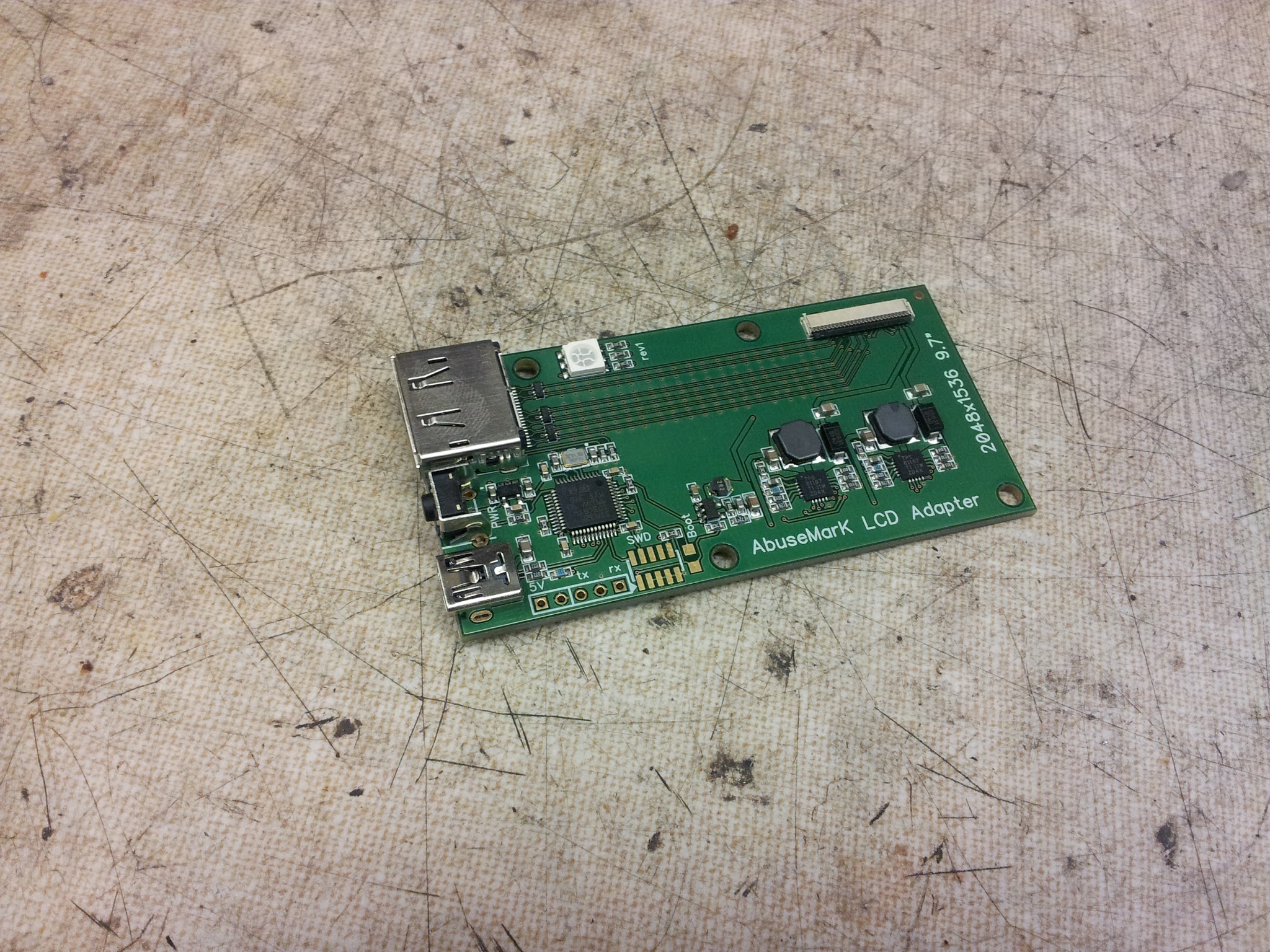
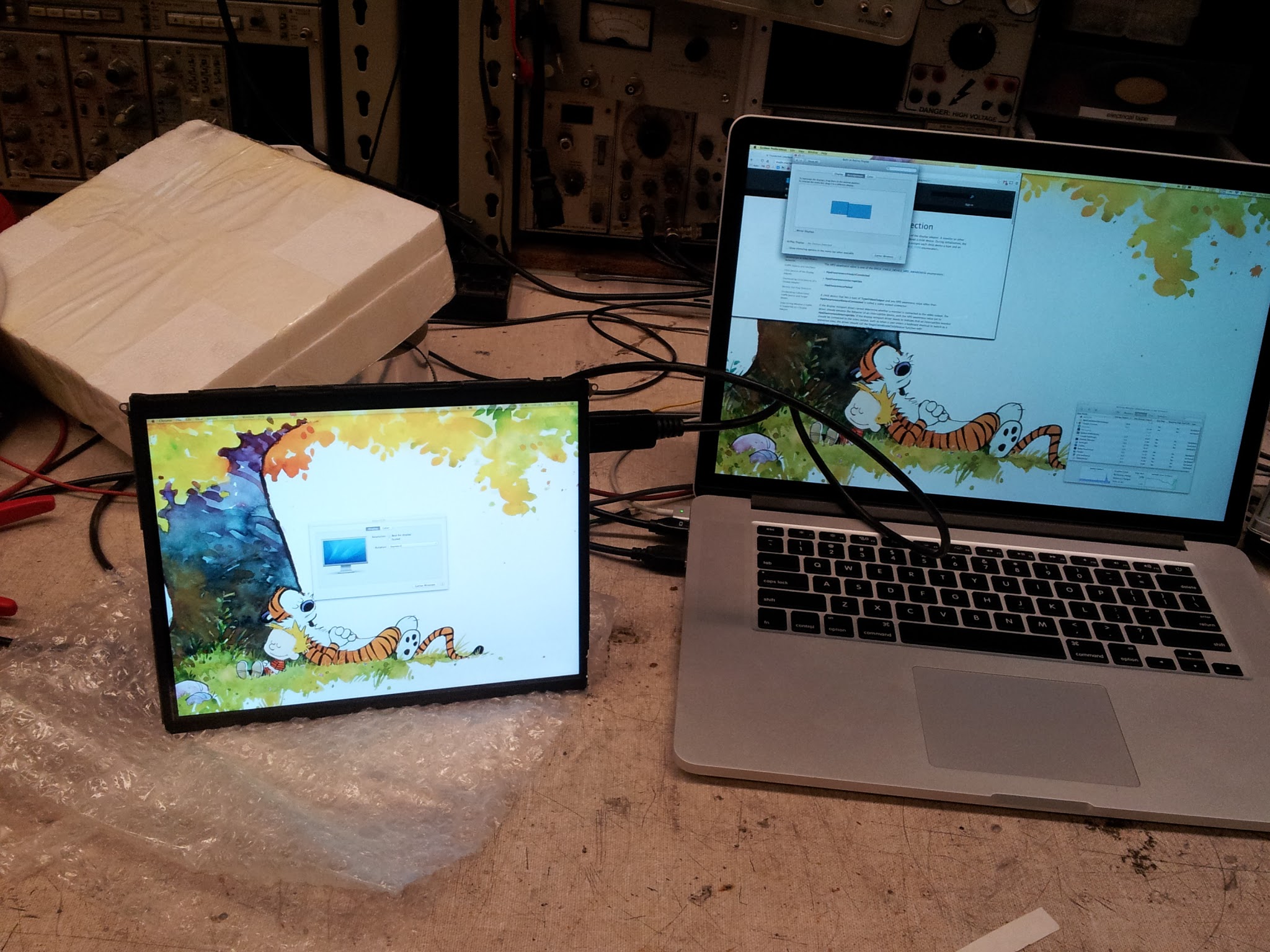
This particular board has built in LED drivers for the backlight as well as adjustable brightness and USB power. Unfortunately, at full brightness the assembly draws over an amp at 5V, meaning it can't be directly powered off USB. Here's the board with the LCD working, powered off the bench supply:
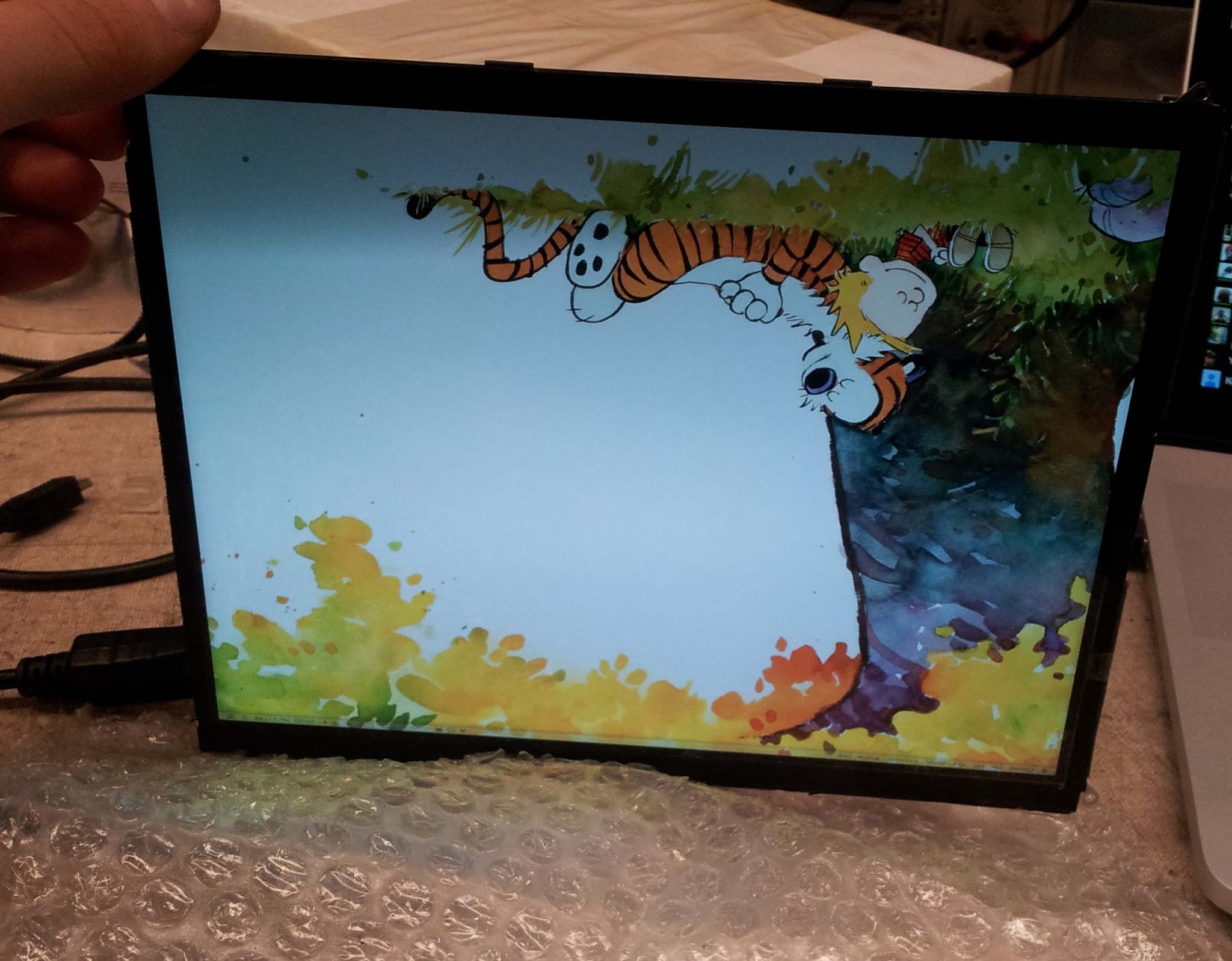
When powered only off the USB port, half of the backlight turns off or flickers:
Fortunately, the controller built into the board lets you adjust the backlight brightness. I lowered the brightness to a level where brightness was still reasonable, but current draw dropped to around 600 mA.
I then looked up the datasheet for the backlight driver. Here it is. According to the datasheet, the current limit is set by a resistor according to a formula on page 11. I found some appropriate SMD resistors for a current limit of 600 mA at MITERS, and replaced the stock resistors that came with the board.
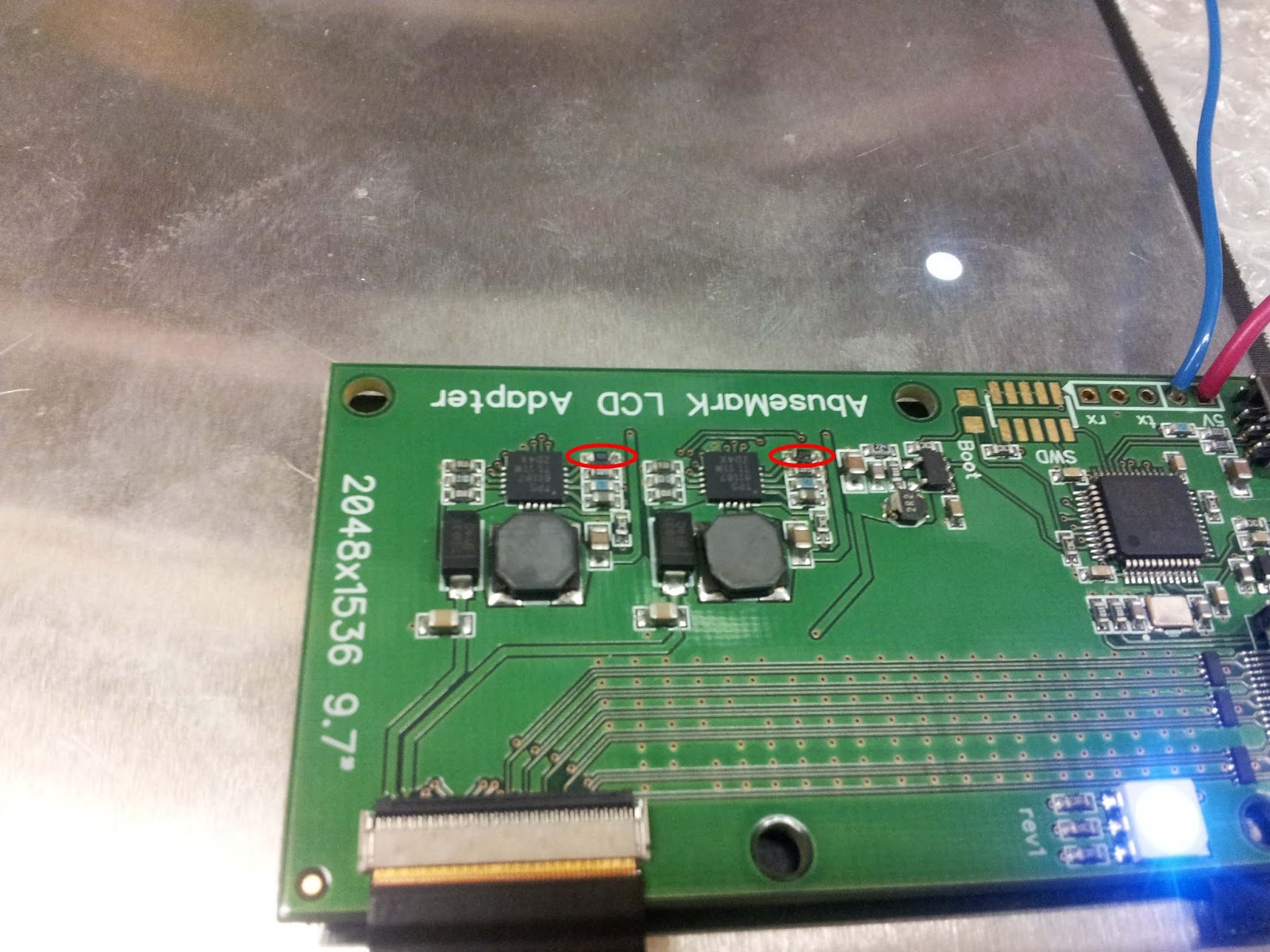 |
| Swapped resistors circled in red |
This lowered the default brightness, and made current draw a bit more reasonable. But 600 mA is still too much for a USB 2 device (which the board is), which is capped at 500 mA. However USB 3, which my laptop has, can supply up to 900 mA to devices that identify to the computer as high power USB 3 devices.
To trick my computer into making the full USB 3 current available, I ran to Microcenter and bought the cheapest ($10) external USB 3 hard drive enclosure I could find. I assumed that since it was listed as being able to power spinning HDD's (not just SSDs) just off the USB port, it would probably be a high power device.
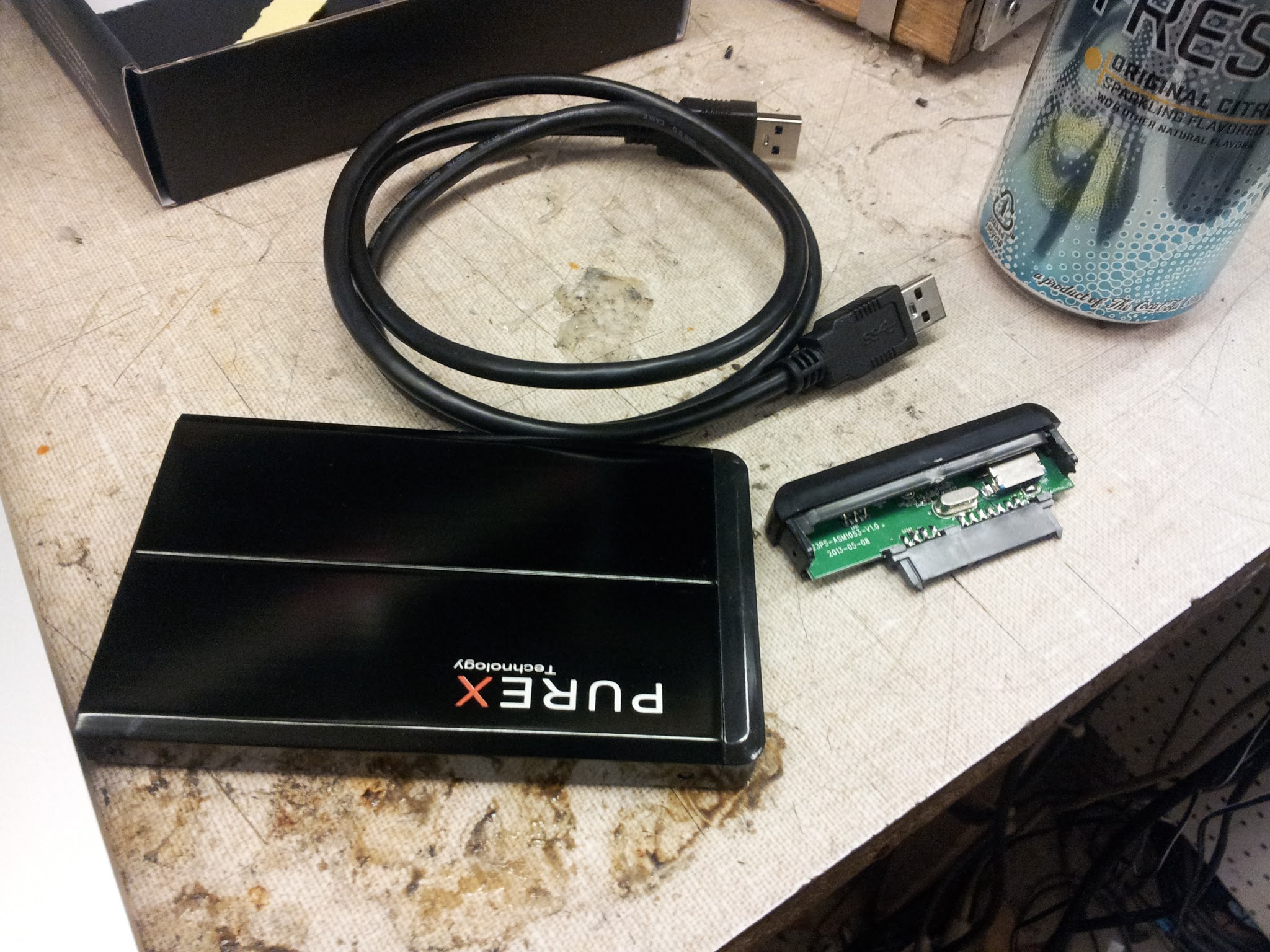
Plugging it in and checking the device properties confirmed this, so I stripped the enclosure apart. The electronics fortunately were extremely compact:
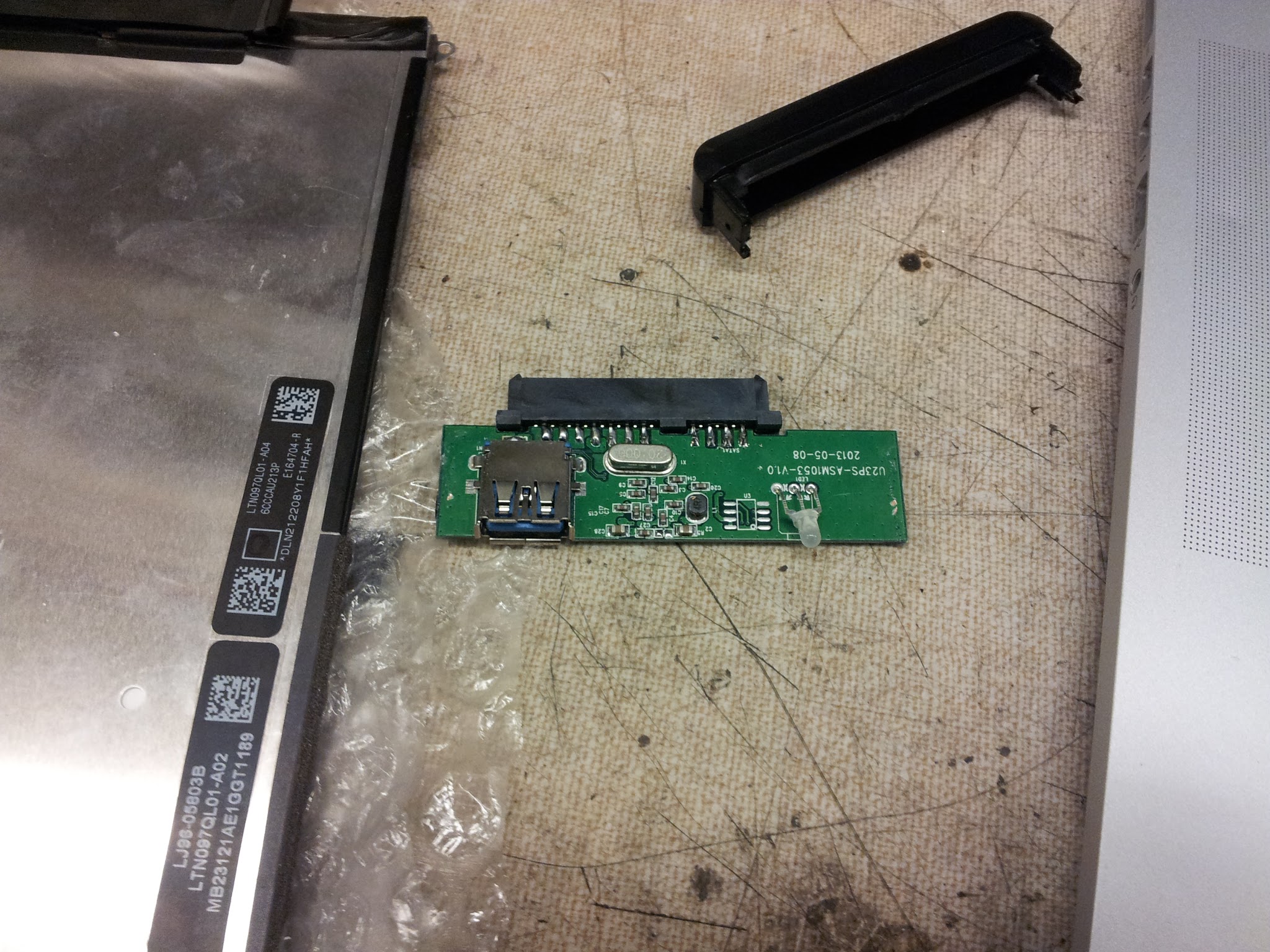
To leach power off the board, I just added jumpers between the LCD driver board and the power pins on the enclosure board.
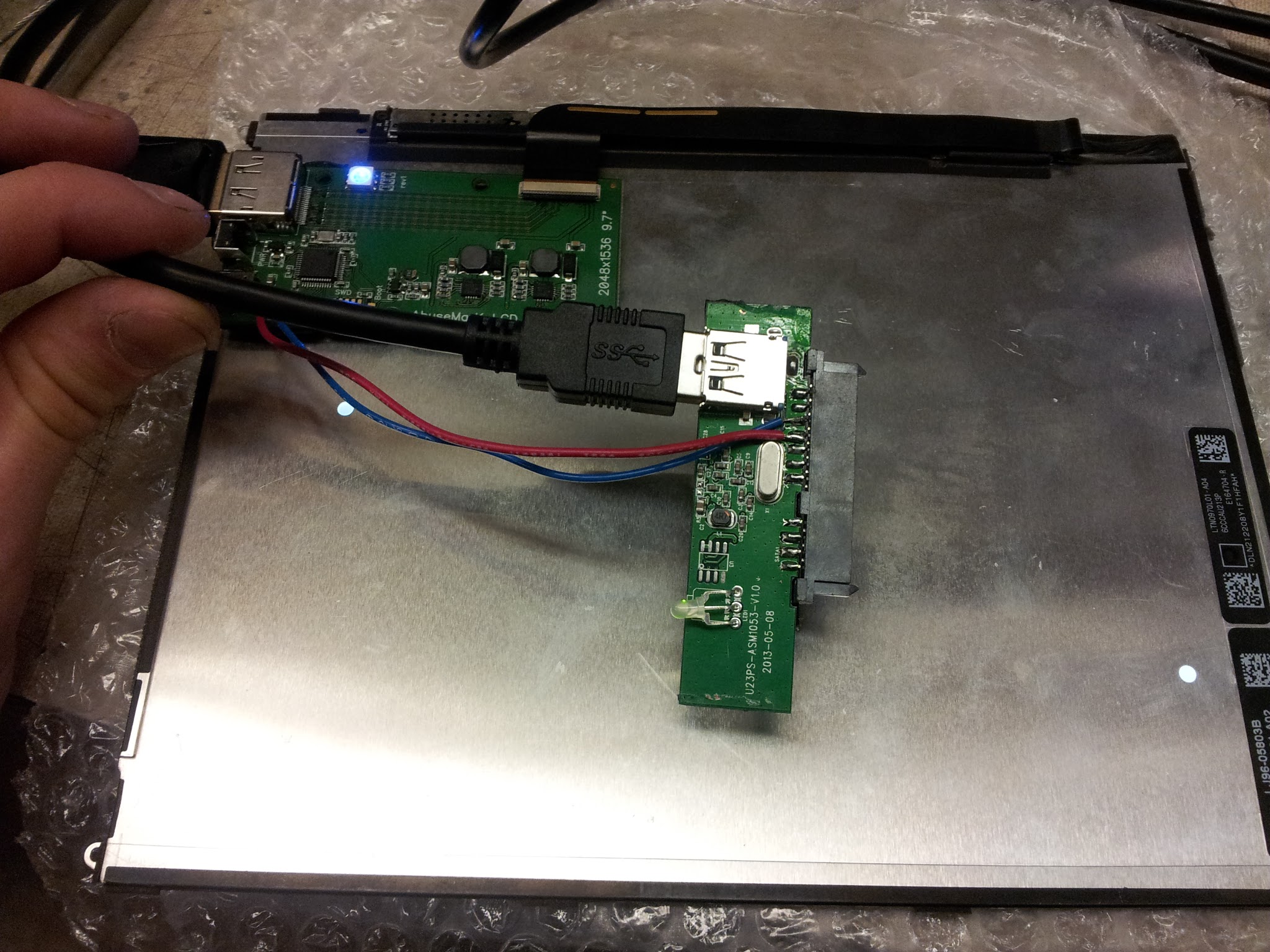 |
| Yes, my LCD has a SATA port in it... |
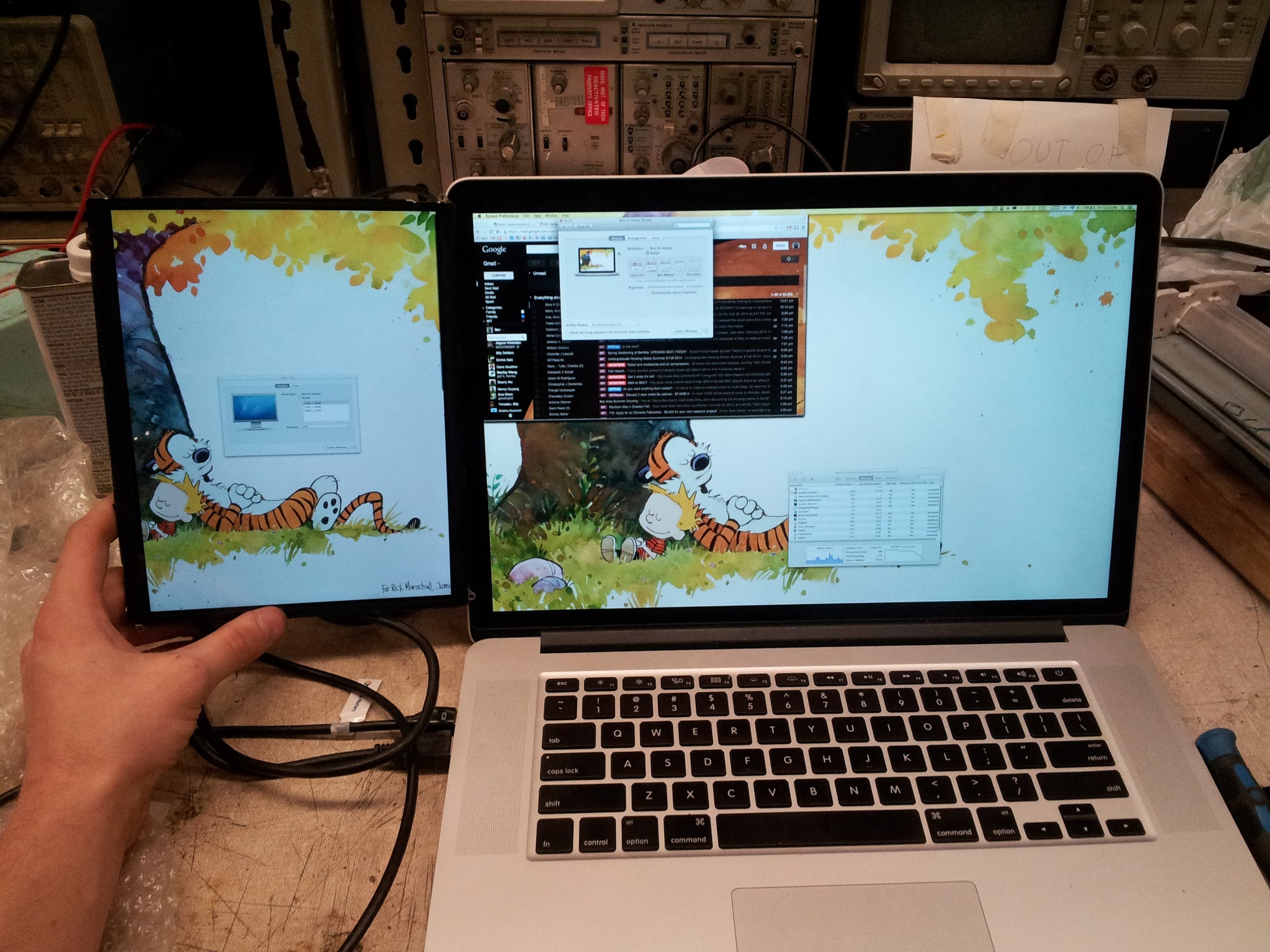
Here's the screen running only of a mini displayport and a USB port:
Building an enclosure will be wrapped up in part 2.
Comments